🐾 Born in a pet store — built for any retail
The POS that
loves your store
Full-stack, offline-capable, and running on a Raspberry Pi. Tested on real shelves — works for pet stores, general retail, food, and beyond.
⚠️ Pre-production software. Not yet validated in a live retail environment. Test thoroughly before processing real transactions.
Full-stack, offline-capable, and running on a Raspberry Pi. Tested on real shelves — works for pet stores, general retail, food, and beyond.
No Docker, no cloud setup required. Download, connect your hardware, and start selling.
Grab the AppImage (Linux/Raspberry Pi) or NSIS installer (Windows) from the releases page. No runtime dependencies — everything is bundled.
On first launch, a setup wizard walks you through your Supabase database credentials. The app creates all tables and runs migrations automatically.
Plug in your USB thermal printer and barcode scanner. Both are auto-detected — no drivers to install on Linux or Raspberry Pi.
Add your products, set up staff PINs, open a cash session, and you're live. Auto-updates keep you on the latest version in the background.
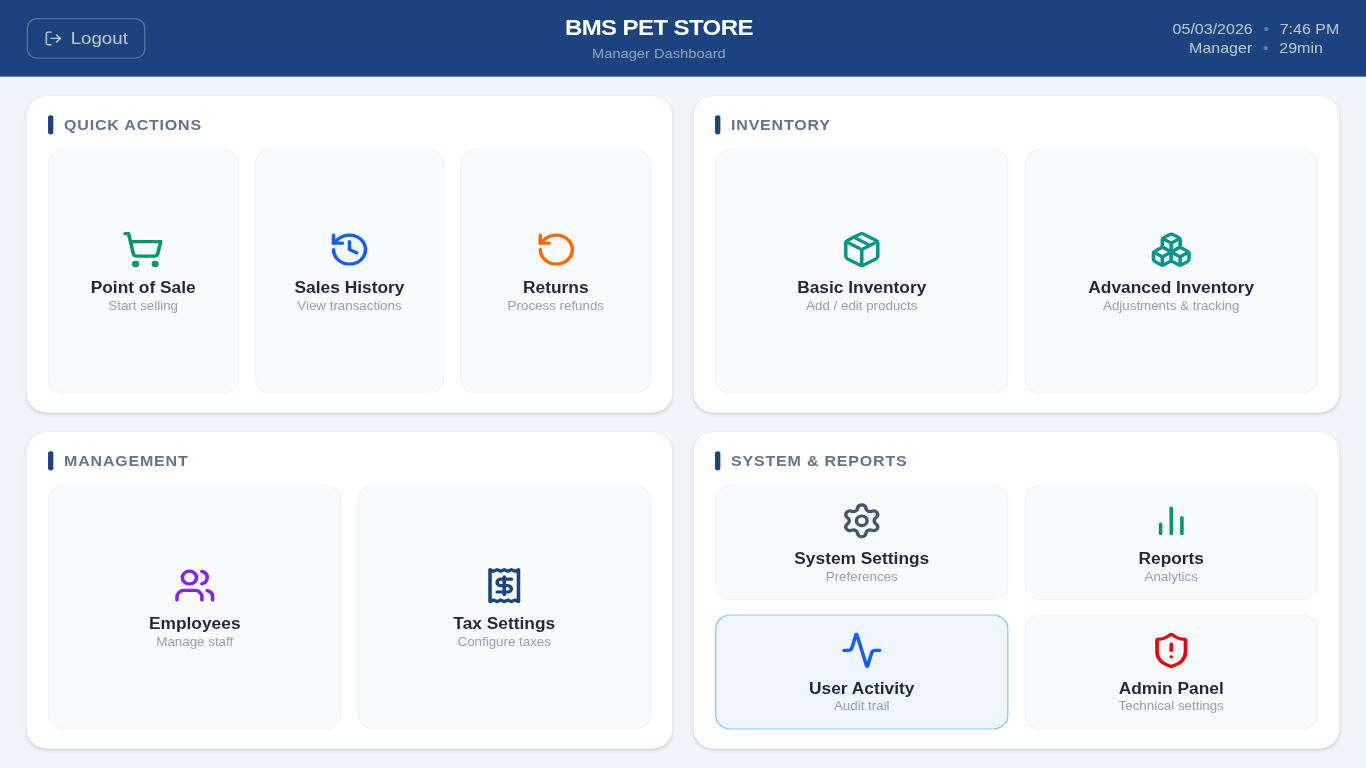
Built for kiosks and touch screens. Works on Raspberry Pi, Linux, and Windows.
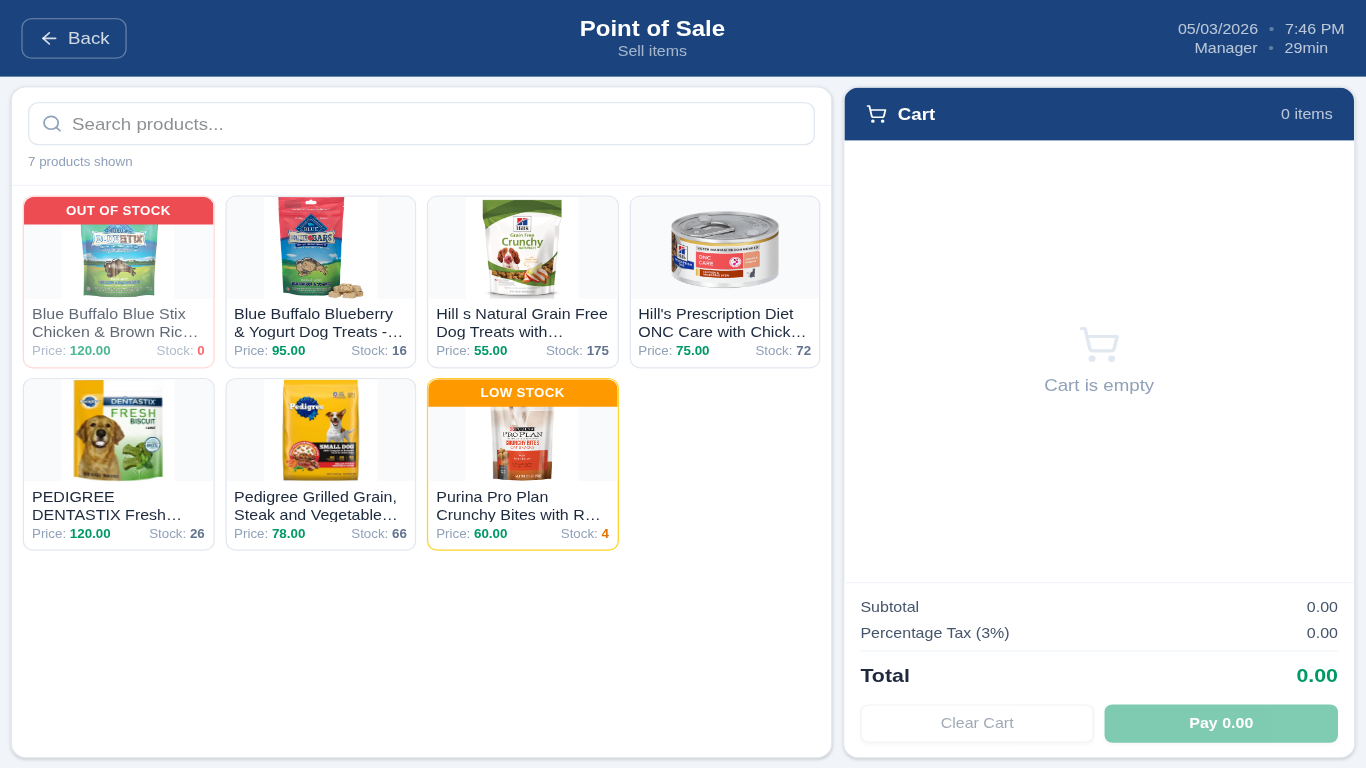
Multi-item transactions with tax, discounts, and change calculation. Plug in a USB barcode scanner — it's auto-detected and works immediately.
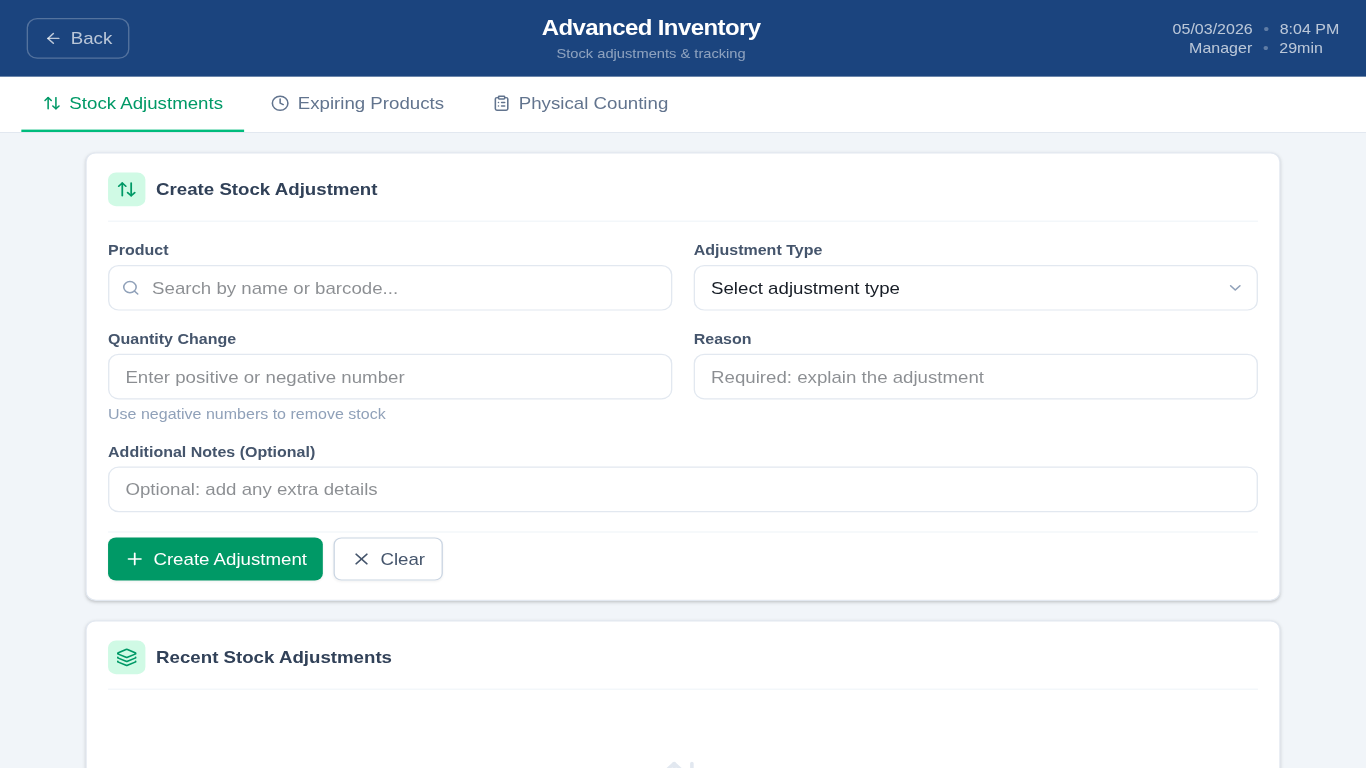
Full product CRUD, batch tracking with lot numbers and expiry dates, manual stock adjustments, physical counting, and low-stock alerts.
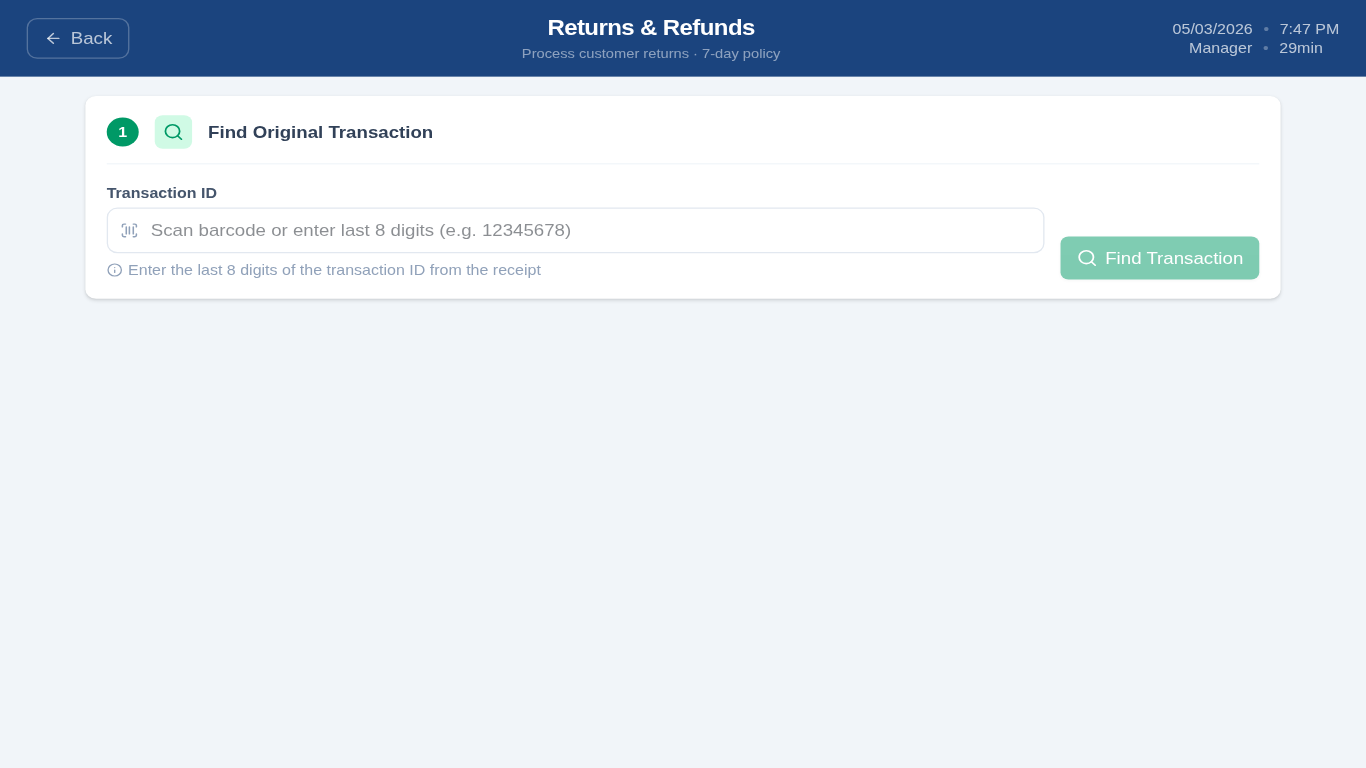
Process returns by transaction ID. Optional manager-approval threshold. Automatic stock restoration on approved returns.
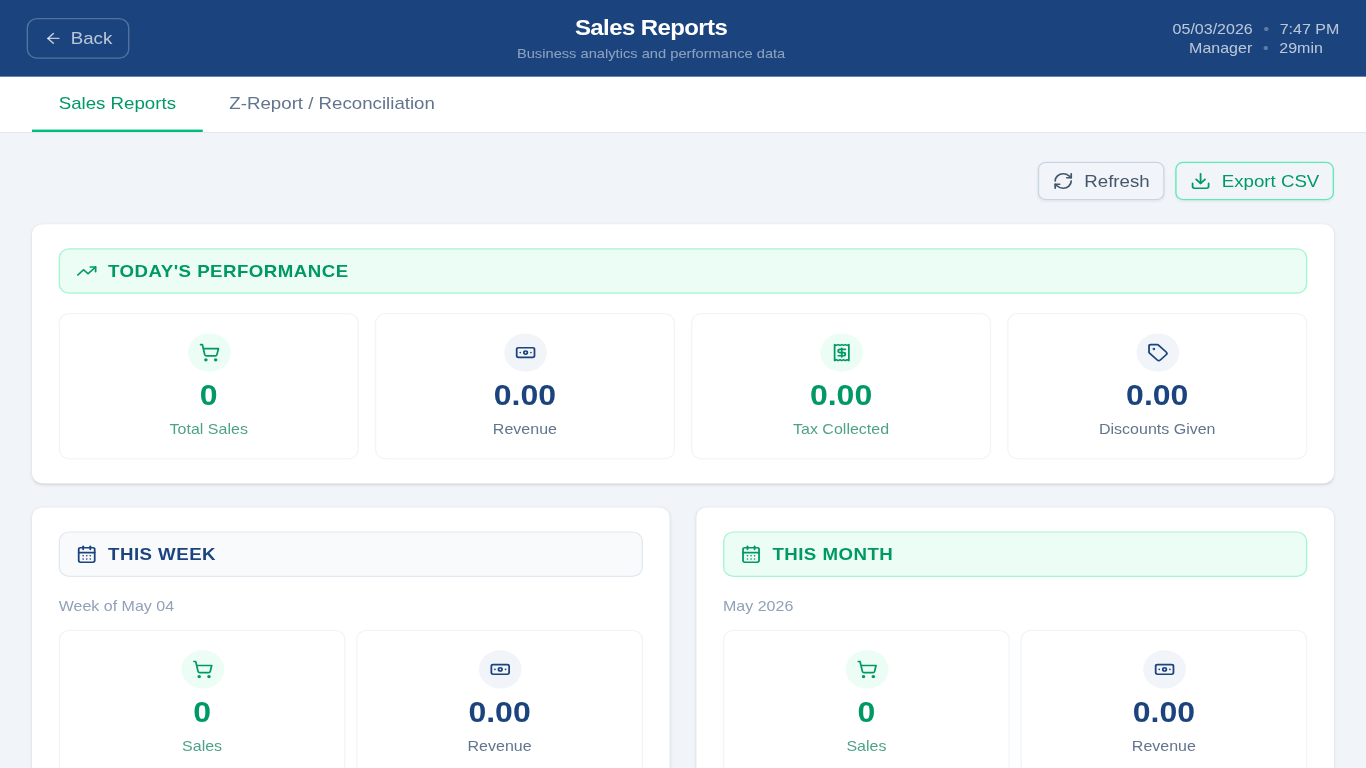
Daily, weekly, and monthly summaries. Top products by revenue and quantity. Payment method breakdown. Z-Report / cash reconciliation.
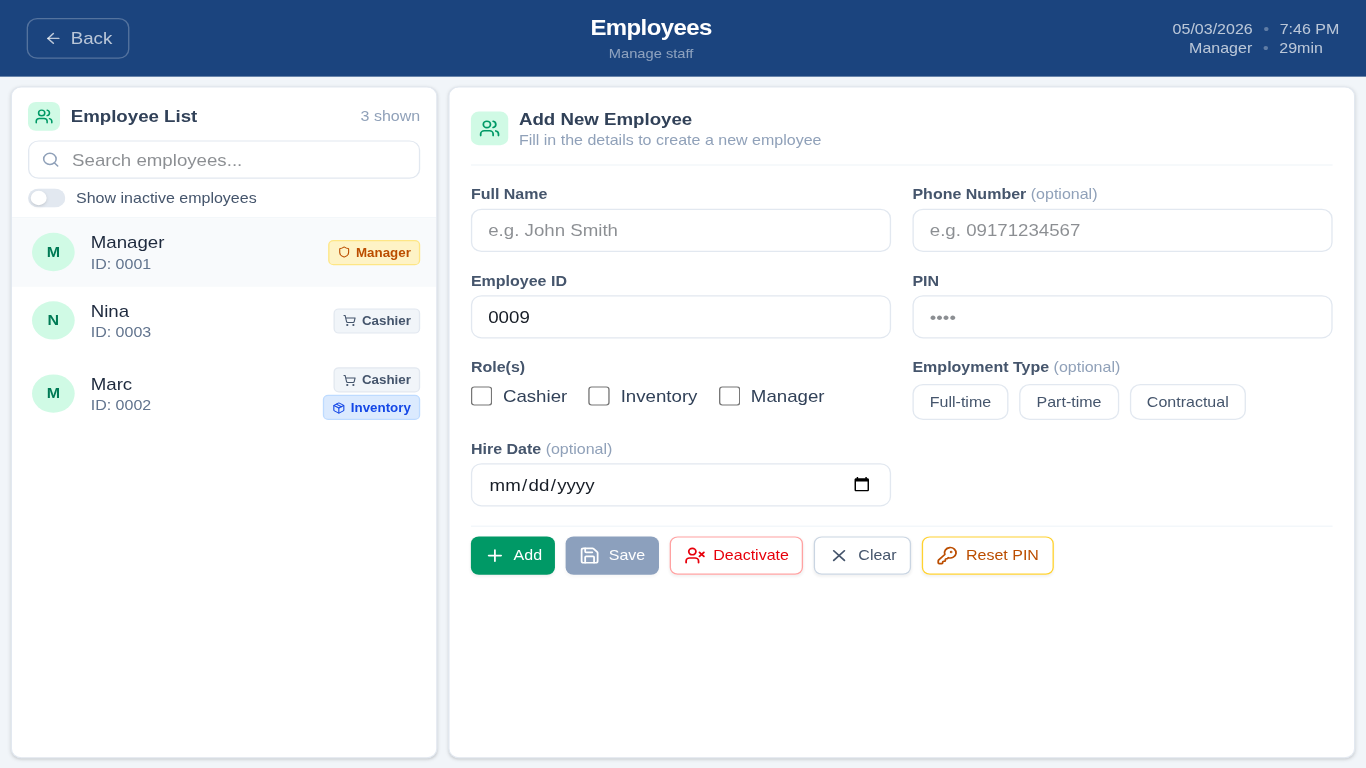
Manager, Cashier, and Inventory roles with distinct permissions. Add, edit, deactivate, and reset PINs. Full audit trail per user.
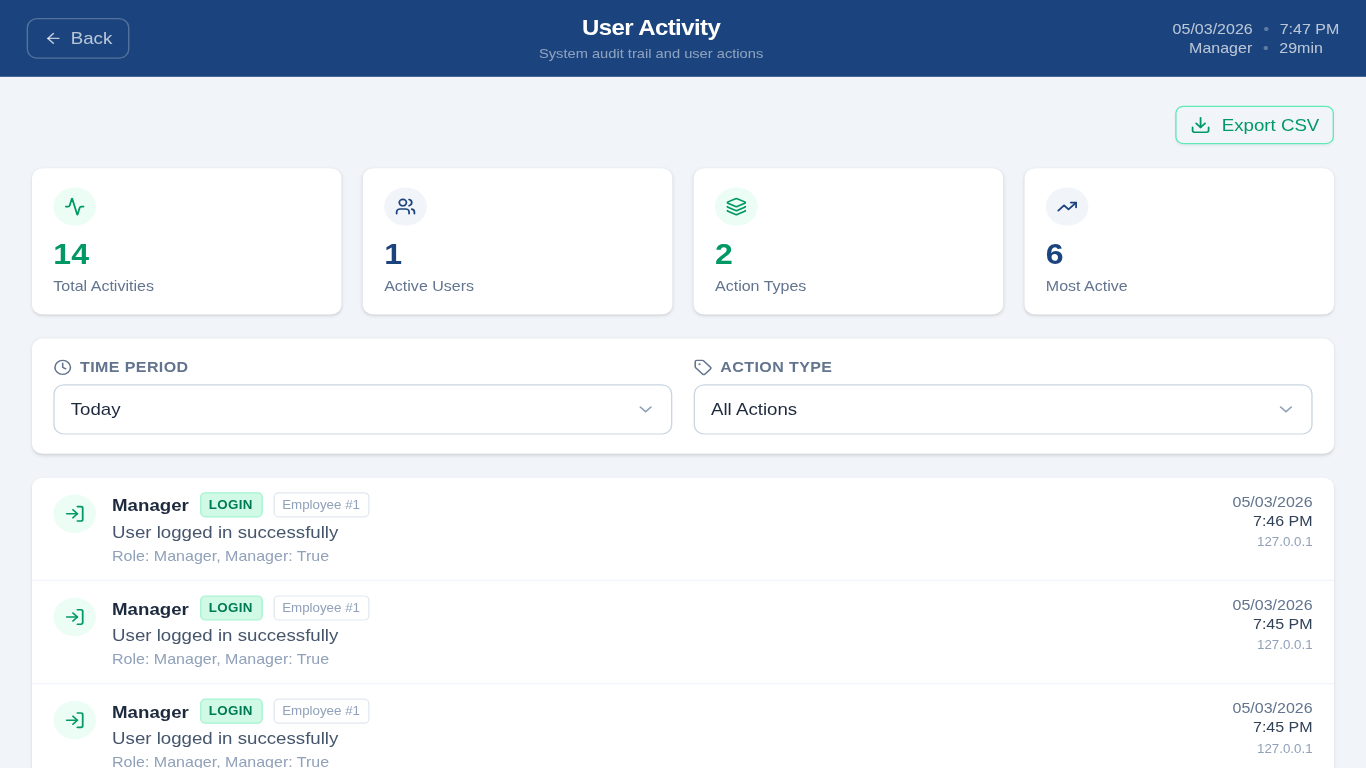
Every login, sale, return, and config change recorded with user, timestamp, and IP. BCrypt PINs, JWT denylist, login lockout, and rate limiting.
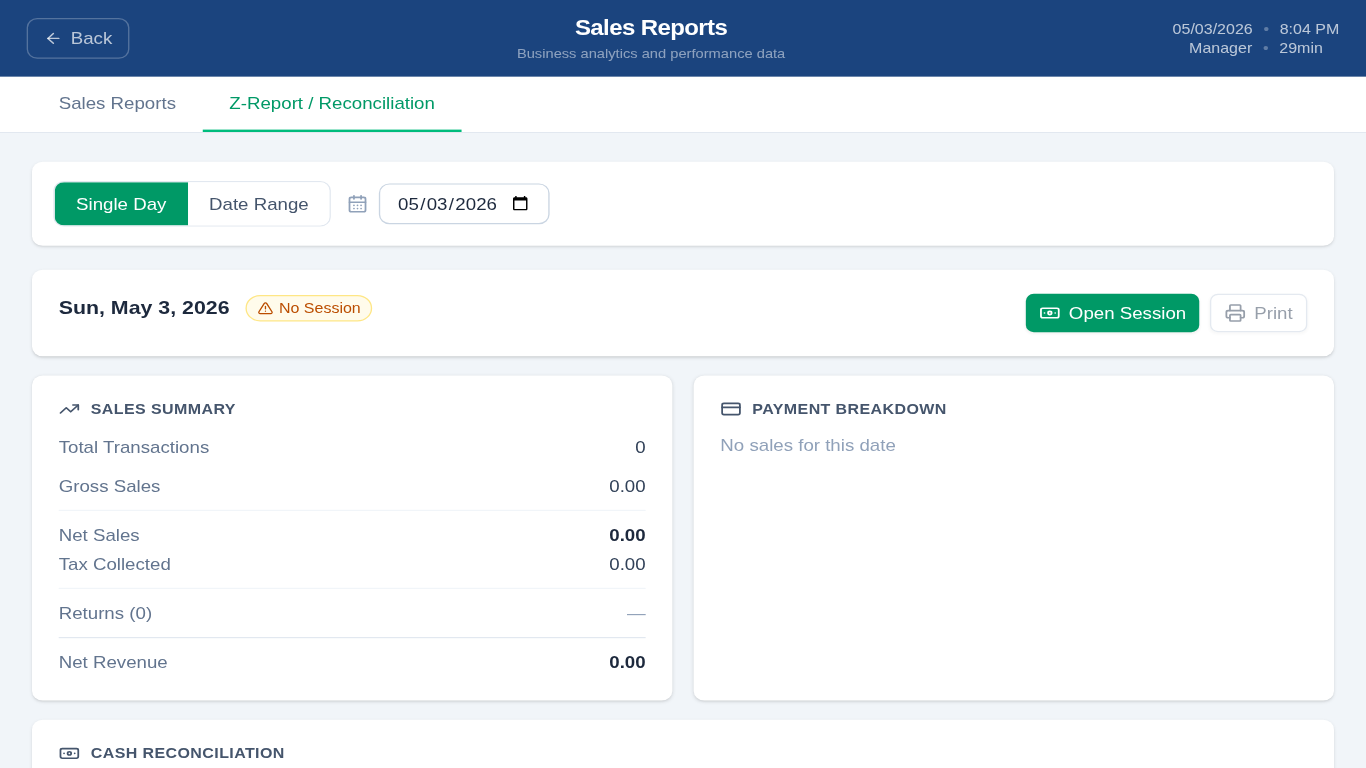
Open and close cash sessions with variance tracking. Z-Report per terminal with sales summary, payment breakdown, and cash reconciliation.
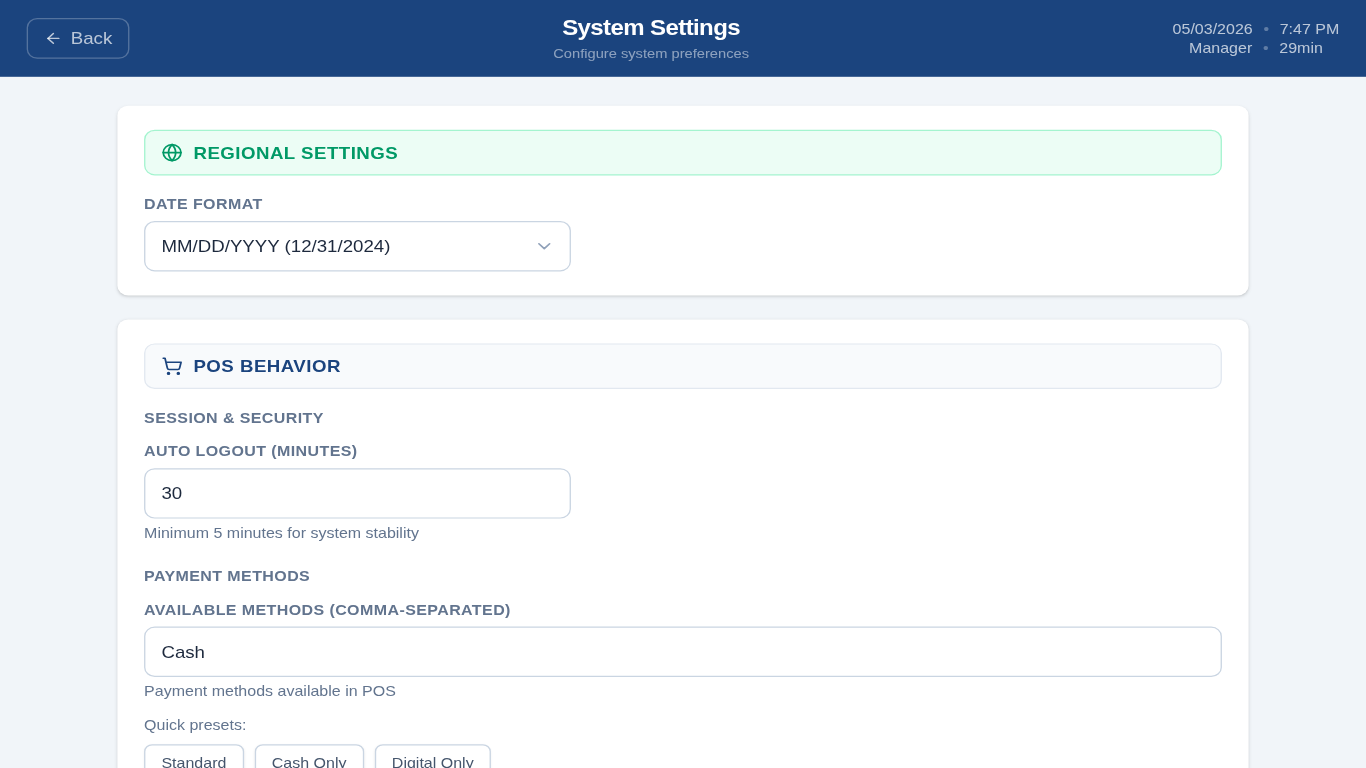
Date format, auto-logout timer, payment methods, receipt template, and tax configuration — all adjustable without touching code.
Multiple terminals on a shared Supabase database. Each terminal scoped by X-Terminal-Id. Setup wizard for first-run configuration.
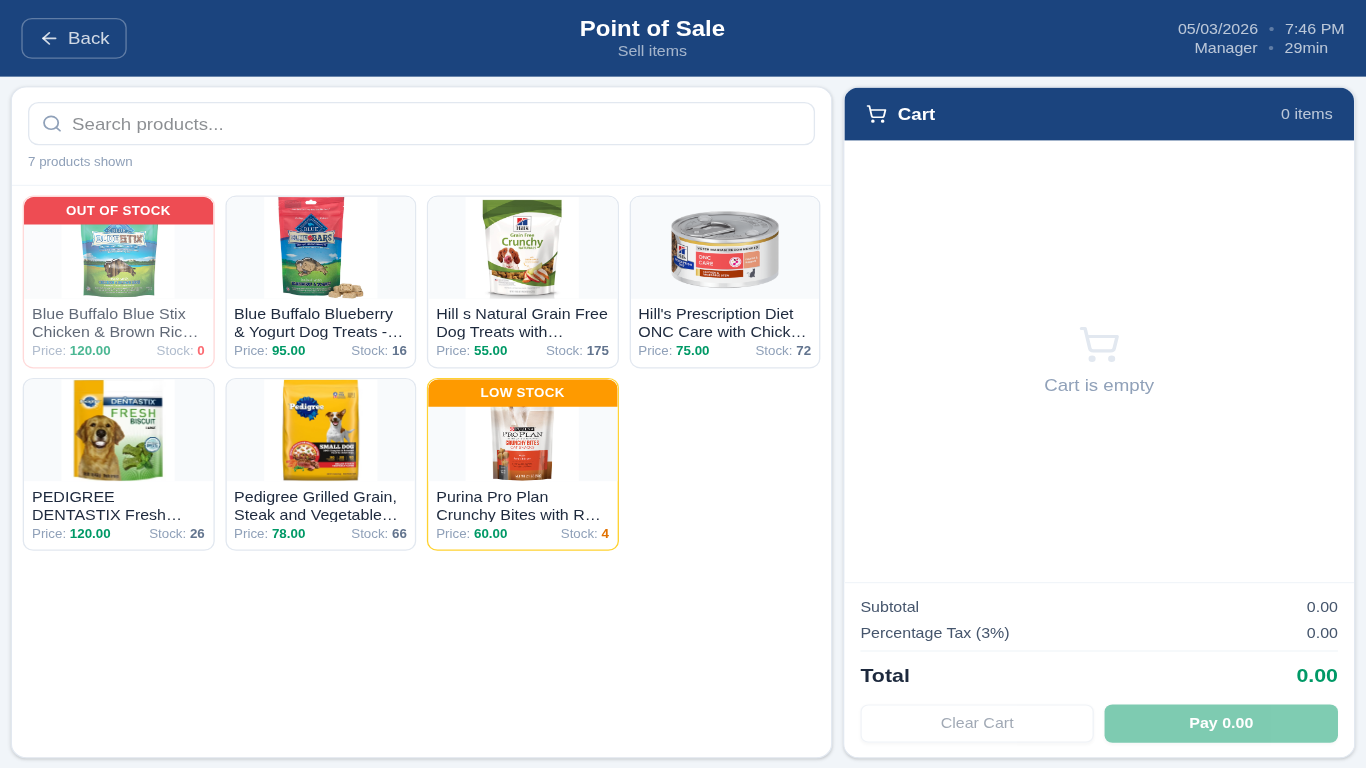
Keep selling when the internet drops. Sales, returns, and stock adjustments queue locally and auto-sync the moment connectivity is restored.
ESC/POS receipts printed directly to USB thermal printers — no CUPS, no drivers on Linux. 80mm paper only. Supports Epson TM, Star TSP, Bixolon, and Citizen.
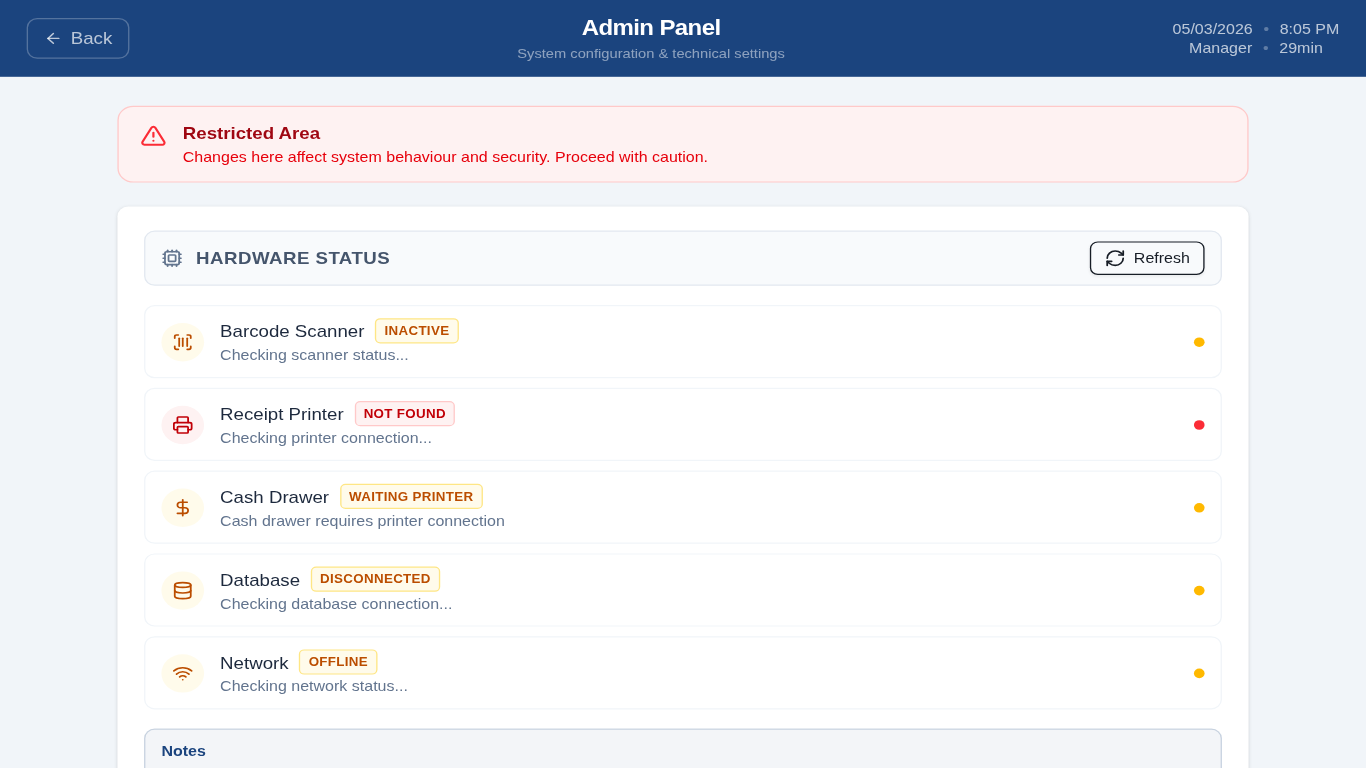
Live status panel showing printer connection, barcode scanner detection, and database latency. Spot hardware issues before they hit a transaction.
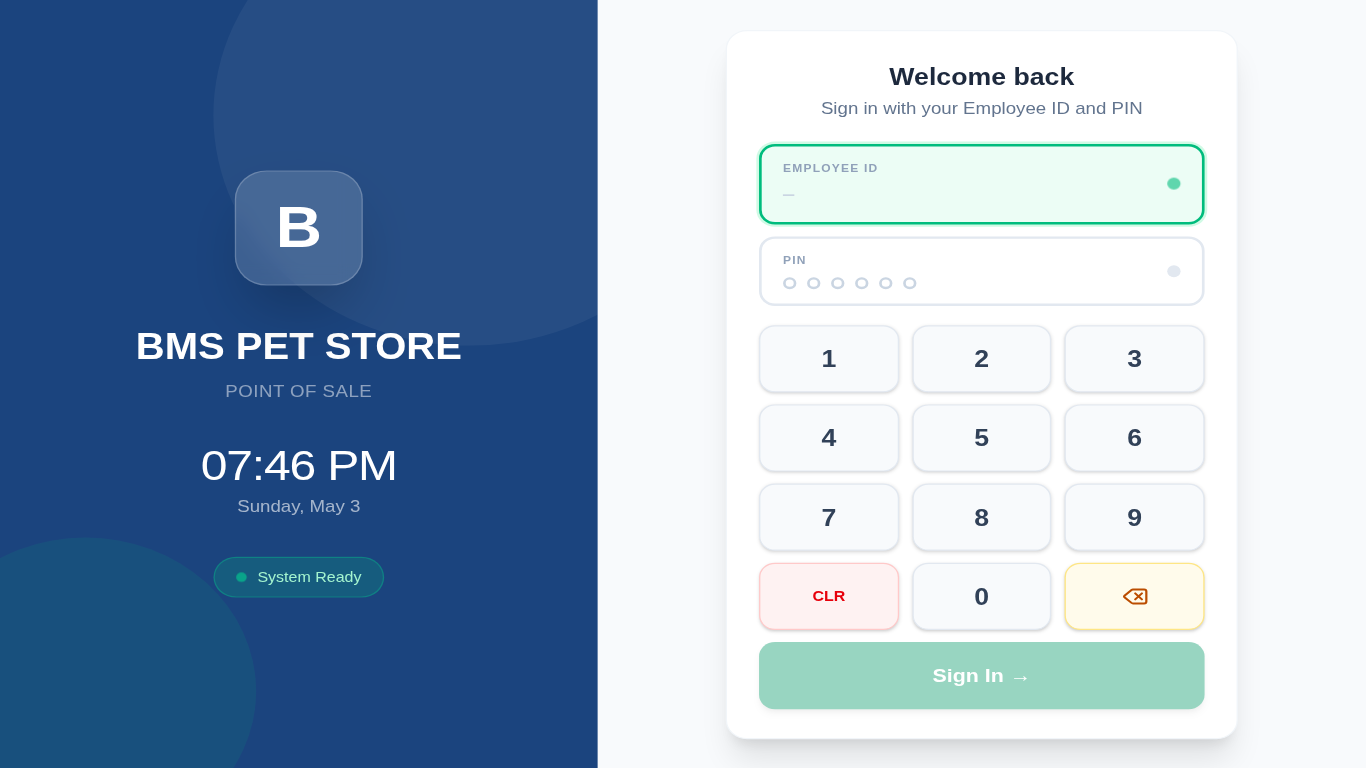
Every screen, designed for touch-first kiosk use at 1366 × 768.
Every layer chosen for reliability on low-power ARM hardware.


The hardware stack we use day-to-day. If your setup matches this, expect everything to work out of the box.

Known constraints to keep in mind when deploying in a real retail environment.
When a barcode is scanned and not found locally, the app falls back to the UPCItemDB free trial API to auto-fill product details. The trial tier has rate limits and doesn't cover all barcodes — unknown products must be entered manually. A paid UPCItemDB plan is recommended for production.
Cash is fully integrated — the drawer opens, change is calculated, and reconciliation is tracked. Card and ETF/Digital are selectable but have no terminal integration. They're recorded for reporting only — the actual transaction must be processed on a separate device and manually confirmed.
If it's not here, open an issue on GitHub — we don't bite 🐾
No subscriptions. No seat limits. No vendor lock-in.
We promise it won't bite 🐾
Legal Notice & Disclaimers
This software is provided "as-is" without warranty of any kind, express or implied, including but not limited to warranties of merchantability, fitness for a particular purpose, or non-infringement. The author and contributors shall not be held liable for any direct, indirect, incidental, special, or consequential damages arising from the use or inability to use this software — including but not limited to loss of revenue, transaction errors, data loss, or business interruption.
Payments: BMS POS is not a payment processor and is not PCI DSS certified. Electronic payment methods (Card, ETF/Digital) are recorded for internal tracking only — no actual payment processing occurs within the app. You are solely responsible for processing electronic transactions on compliant hardware and for any resulting disputes or chargebacks.
Data & Privacy: All transaction, employee, and product data is stored in your own self-hosted or Supabase-managed PostgreSQL database. The author does not collect, store, or have access to any data you process through this software. You are responsible for ensuring your deployment complies with applicable data protection laws (including GDPR, PDPA, or local equivalents).
Tax & Financial Accuracy: Tax rates, pricing, and financial calculations are configured by you and are not verified for compliance with any jurisdiction. This software does not constitute accounting, legal, or financial advice. Verify all figures independently before relying on them for regulatory or tax purposes.
Third-party Services: Product barcode lookups use the UPCItemDB API (trial tier). Your use of that service is subject to UPCItemDB's Terms of Service. The author is not affiliated with UPCItemDB and makes no guarantees about the availability or accuracy of their data.
No Support Obligation: This is free, open-source software with no guaranteed support, response times, or bug-fix commitments. Issues can be reported on GitHub Issues but there is no SLA. Do not deploy in a production environment without your own technical resource to support it.
Hardware Compatibility: The application has been tested on specific hardware listed in the "Our Setup" section. While broad compatibility with USB thermal printers and barcode scanners is intended, the author makes no guarantee that all hardware models will work correctly. Verify compatibility in your environment before going live.
Third-party Service Dependency (Supabase): This application requires a PostgreSQL database, typically hosted on Supabase. Availability, uptime, and pricing of Supabase are outside the author's control. The author is not liable for any downtime, data loss, or service changes caused by Supabase or your hosting provider.
Regulated & Age-Restricted Goods: This software does not enforce age verification or compliance controls for regulated products (alcohol, tobacco, pharmaceuticals, etc.). If you use this application to sell age-restricted or regulated goods, you are solely responsible for compliance with all applicable laws and regulations in your jurisdiction.
This software is released under the ISC License. Use at your own risk.